


As your website grows, your hosting decisions start to matter a lot more. Traffic increases, campaigns become more aggressive, and downtime becomes expensive. At this stage, many businesses face a key question in WordPress development London:
👉 Should you continue with a self-hosted setup, or move to a managed WordPress platform?
While both options can work, the right choice depends on how you balance control, cost, and time. Therefore, understanding the trade-offs clearly will help you make a smarter long-term decision.
What Is Self-Hosted WordPress?
A self-hosted setup means you control everything. In other words, you are responsible for the entire stack—from server configuration to WordPress updates.
For teams focused on WordPress development London, this model offers flexibility. However, it also comes with significant responsibility.
Key Responsibilities
- Infrastructure management
You configure servers, databases, PHP versions, and web servers. - Security handling
You manage firewalls, SSL, patching, and access control. - Performance optimization
You set up caching, CDN rules, and database tuning. - Backups & recovery
You design backup systems and test disaster recovery. - Monitoring & debugging
You handle logs, uptime checks, and incident resolution.
As a result, while self-hosting provides full control, it also demands continuous effort. Moreover, the hidden cost is often the engineering time required to maintain stability.
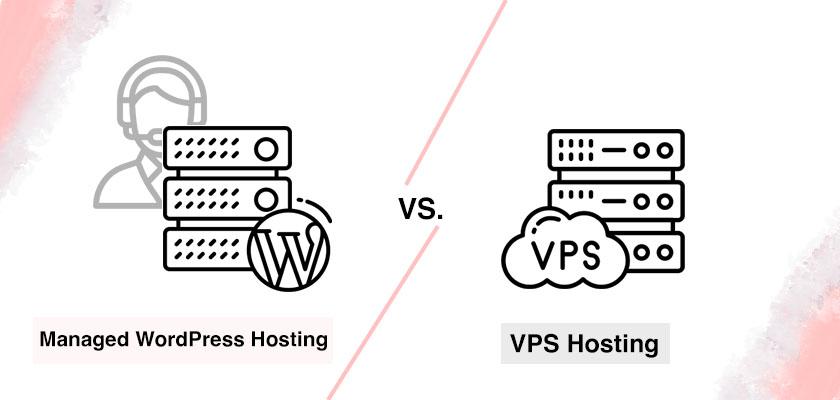
What Is Managed WordPress Hosting?
In contrast, managed hosting removes most of the operational burden. Instead of handling everything yourself, experts manage the infrastructure for you.
For growing businesses in WordPress development London, this approach is often more efficient.
What You Typically Get
- Automatic updates
Core updates and server maintenance are handled for you. - Built-in performance optimization
Caching, CDN, and speed tuning come pre-configured. - Strong security
Firewalls, malware scanning, and patching are included. - Reliable backups
Automated backups with fast restore options. - Expert support
Engineers monitor and resolve issues proactively.
Consequently, your team can focus on building features instead of maintaining servers.
Does Managed Hosting Limit Flexibility?
This is a common concern. However, the answer depends on the provider.
Some platforms restrict customization. On the other hand, modern solutions—especially those designed for scaling businesses—strike a balance.
👉 You keep control over:
- Codebase
- Deployment workflows
- Integrations
Meanwhile, the provider handles:
- Infrastructure
- Security
- Scaling
Therefore, you gain efficiency without losing control.
Real Cost Comparison: More Than Just Price
At first glance, self-hosting seems cheaper. However, that’s not the full picture.
Self-Hosted Hidden Costs
- Developer hours for maintenance
- Monitoring and incident response
- Paid tools (CDN, backups, security)
- Downtime and revenue loss
Managed Hosting Value
- Reduced engineering workload
- Faster performance out of the box
- Lower risk of downtime
- Predictable monthly cost
As a result, many businesses in WordPress development London find that managed hosting becomes more cost-effective as they scale.
When Should You Choose Self-Hosting?
Self-hosting still makes sense in certain cases. For example:
- You need full control over infrastructure
- You have a dedicated DevOps team
- You run highly customized server environments
- Your traffic is relatively low
In these situations, the flexibility outweighs the operational cost.
When Managed Hosting Is the Better Choice
However, for most growing businesses, managed hosting is the smarter move.
Key Advantages
- Faster performance without manual tuning
Additionally, global CDN delivery improves user experience. - Built-in security
As a result, you reduce risk without extra tools. - Better scalability
Traffic spikes are handled automatically. - Less operational stress
Therefore, your team focuses on growth instead of maintenance.
How to Evaluate a Managed Hosting Provider
If you’re considering switching, use this checklist:
Performance
- Is caching included?
- Is there a CDN/edge network?
Security
- Are patches automatic?
- Is there a firewall and malware protection?
Backups
- How often are backups created?
- How fast can you restore?
Developer Experience
- Do you get SSH and WP-CLI access?
- Are staging environments available?
Scalability
- Can the platform handle traffic spikes?
- How are resources upgraded?
Support
- Is support 24/7?
- Are you talking to real engineers?
Final Thoughts
Ultimately, the choice comes down to priorities.
- Choose self-hosted if you need maximum control and have the resources to manage it.
- Choose managed hosting if you want speed, security, and scalability without the operational burden.
In the competitive space of WordPress development London, time is money. Therefore, every hour spent fixing servers is an hour not spent growing your business.
👉 For most teams, managed WordPress hosting doesn’t just simplify operations—it unlocks growth.